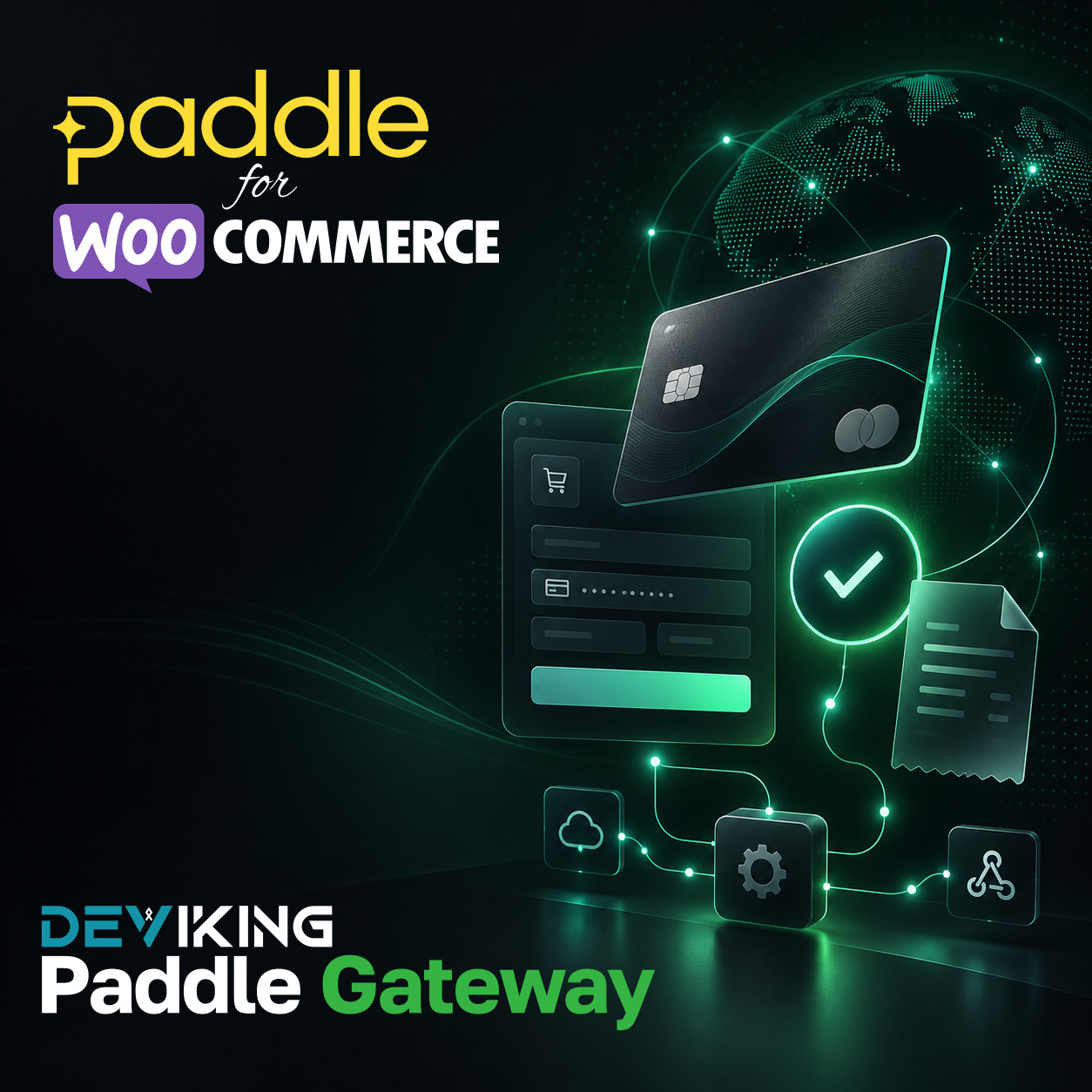
Paddle WooCommerce integration becomes simple with Deviking Paddle Gateway. The plugin connects your WooCommerce store with Paddle, so customers can complete payments through Paddle while WooCommerce continues to manage your products, orders and downloads.
Because the plugin works with your existing store, you do not need to rebuild your product pages or change the way you manage WooCommerce.
Paddle WooCommerce Payment Integration
Deviking Paddle Gateway adds Paddle as a payment method to your WooCommerce checkout.
Customers can select Paddle during checkout and continue to the Paddle payment process. After a successful payment, the plugin updates the related WooCommerce order automatically.
As a result, you can keep your normal WooCommerce workflow while adding Paddle as a payment option.
You can learn more about the payment platform on the official Paddle website.
Key Features
- Paddle payment method for WooCommerce
- Automatic WooCommerce order updates
- Works with your existing products and product pages
- Sends the required order information to Paddle
- Supports digital products and downloadable software
- Paddle checkout popup support
- Optional Business Invoice request
- Yes / No Business Invoice selector
- No selected by default
- Enable or disable the Business Invoice option
- Custom store logo in the Paddle checkout popup
- Gateway settings inside WooCommerce
- No need to rebuild your existing store structure
Keep WooCommerce at the Center
Deviking Paddle Gateway keeps WooCommerce as the main system for your store.
Your existing workflow remains:
Products → Cart → Checkout → Orders → Downloads
WooCommerce manages your store, while Paddle handles the payment step.
Therefore, you can continue to manage products and orders from WordPress without moving your store to another platform.
You can also explore more solutions in our WooCommerce Payment Gateways category.
Business Invoice Support
The plugin can show a Business Invoice option during checkout.
Customers choose Yes or No, while No remains the default choice.
If a customer selects Yes, the checkout explains that they may need to provide their official business and tax details during the Paddle payment process.
In addition, you can enable or disable this option from the gateway settings.
Paddle WooCommerce for Digital Products
The integration works especially well for stores that sell:
- WordPress plugins
- WooCommerce extensions
- Downloadable software
- Digital products
- Other downloadable files
Because WooCommerce remains your main store system, you can keep your current product pages, checkout flow and order management process.
Simple Setup
You can manage the gateway directly from WooCommerce payment settings.
First, add your Paddle connection details. Then, configure the available options and enable the gateway.
After that, customers can choose Paddle during checkout. The plugin connects both systems and updates the WooCommerce order after a successful payment.
Smooth Paddle Payments for WooCommerce
Deviking Paddle Gateway gives your customers an easy way to pay through Paddle without changing the structure of your store.
Moreover, you continue to manage your products and orders in WooCommerce, while Paddle handles the payment experience.
WooCommerce manages your store. Paddle handles the payment. Deviking Paddle Gateway connects them.
Για Yoast βάλε ακριβώς:
Focus keyphrase: paddle woocommerce
Και ως SEO title θα πρότεινα:
Paddle WooCommerce Gateway – Deviking