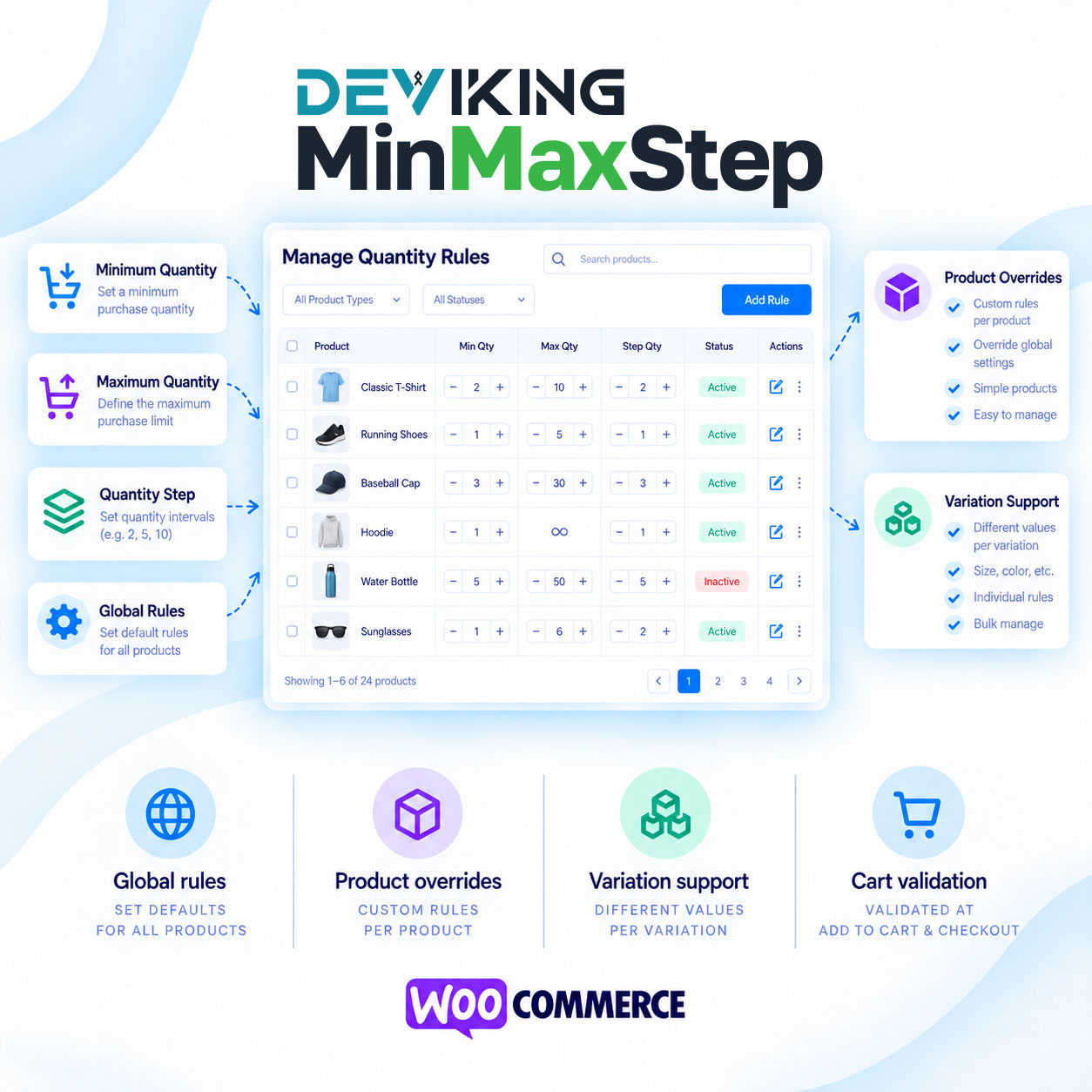
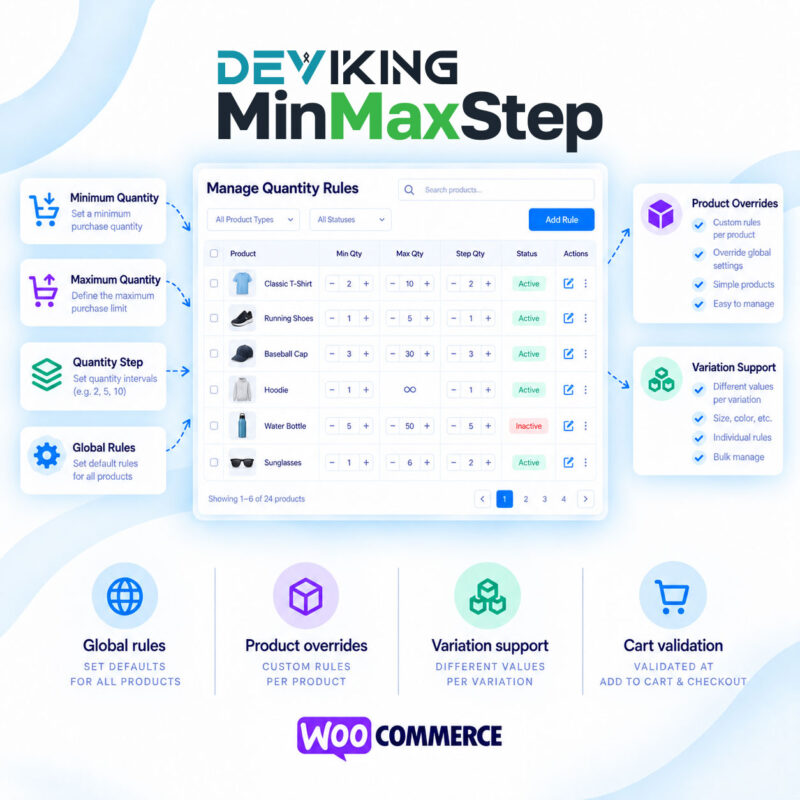
WooCommerce min max step quantity control becomes simple and flexible with Deviking MinMaxStep. The plugin lets you define minimum quantities, maximum quantities and quantity steps for WooCommerce products and individual variations, while keeping full control over global and product-specific rules.
You can enable global quantity rules for your entire store and define default minimum, maximum and step values. Global rules are disabled by default, so nothing changes unless you choose to activate them. Once enabled, they apply automatically to all products unless a different value has been configured directly on a specific product or variation.
This gives you a clear rule priority:
Variation → Product → Global → WooCommerce default
Each value is inherited independently. For example, a product can override only its minimum quantity while continuing to inherit the global maximum quantity and quantity step.
Minimum and maximum product quantities
Set the smallest quantity a customer is allowed to purchase and optionally define a maximum purchase quantity. This is useful for wholesale products, packaged goods, bulk products or any store where customers should not be able to order arbitrary quantities.
Quantity step control
The quantity step determines the valid increments customers can select.
For example, with:
- Minimum quantity: 5
- Maximum quantity: 100
- Quantity step: 5
customers can purchase 5, 10, 15, 20 and so on, up to 100.
Deviking MinMaxStep also supports decimal values, making it suitable for stores selling products by weight, length, volume or other fractional units.
Product and variation overrides
Variable products can use different quantity rules for each variation. A Small variation could require a minimum of 5 units while a Medium variation allows a minimum of 1.
When customers switch between variations, the quantity field automatically adjusts to the effective minimum, maximum and step settings of the selected variation.
Reliable WooCommerce validation
The plugin does more than change the quantity input displayed on the product page. Quantity rules are validated during the WooCommerce purchasing process, helping prevent invalid quantities from being submitted.
Deviking MinMaxStep supports:
- Global quantity rules
- Product-specific overrides
- Variation-specific rules
- Minimum quantities
- Maximum quantities
- Quantity steps
- Decimal quantities
- Add-to-cart validation
- Cart validation
- Checkout validation
- WooCommerce Blocks and Store API
- High-Performance Order Storage (HPOS)
With WooCommerce min max step quantity rules handled automatically, you can control how products are sold without complicated configurations or unnecessary settings.
For more WooCommerce extensions, explore the Deviking Tools & Utilities category.